01 · THE START
Start in the right flow.
Open a report for a problem you want fixed. Use the anonymous tip line for something that has to be seen fast.
- A report is routed to an institution.
- A tip is verified by the community.
IN THE STREET · IN THE BRAND · ON THE SCREEN
Report it with proof. Send it to the right place. Make it visible with the community and keep it on record until it is fixed.
See how it works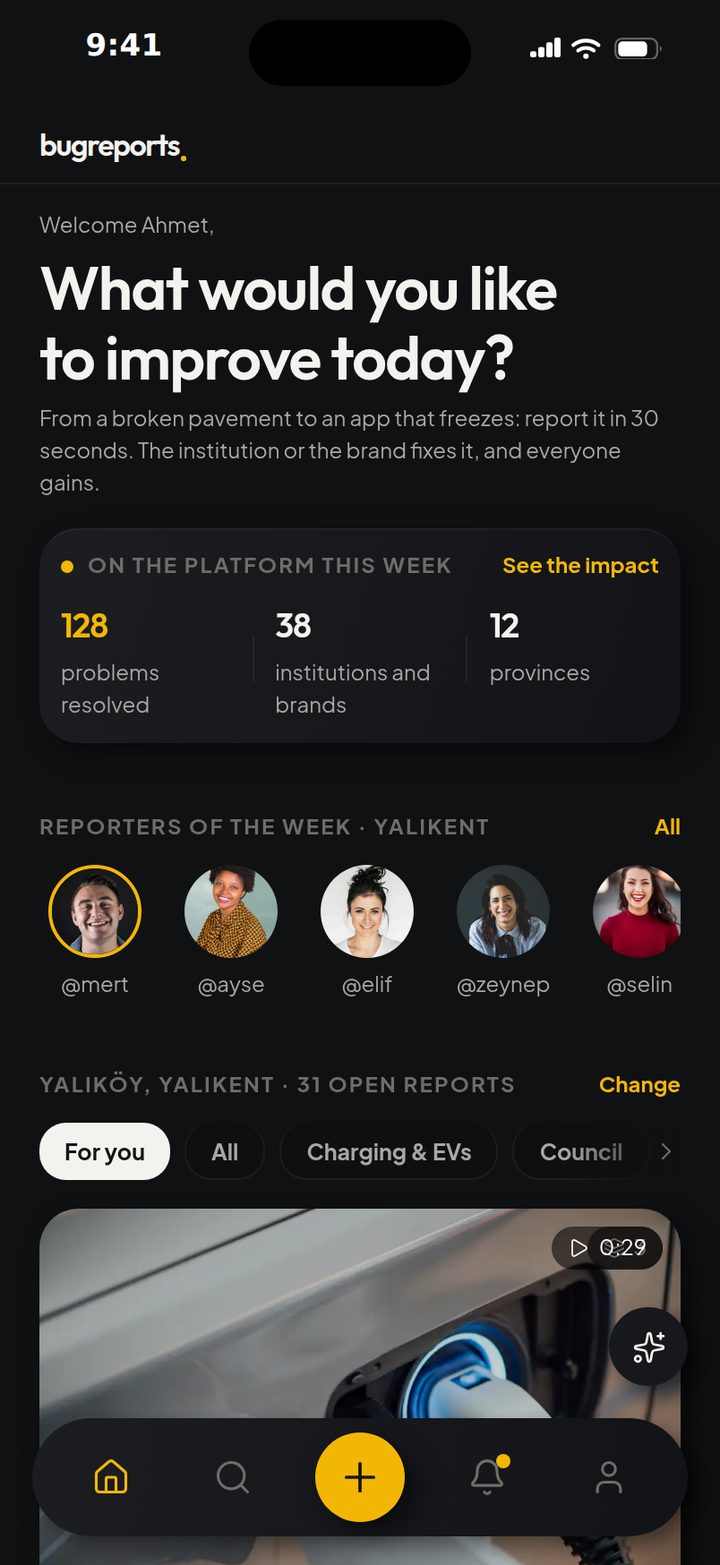
ONE RECORD · AN OPEN PROCESS
The phone stays at the centre; the product’s story opens around it. Each screen shows the next real step in the process.
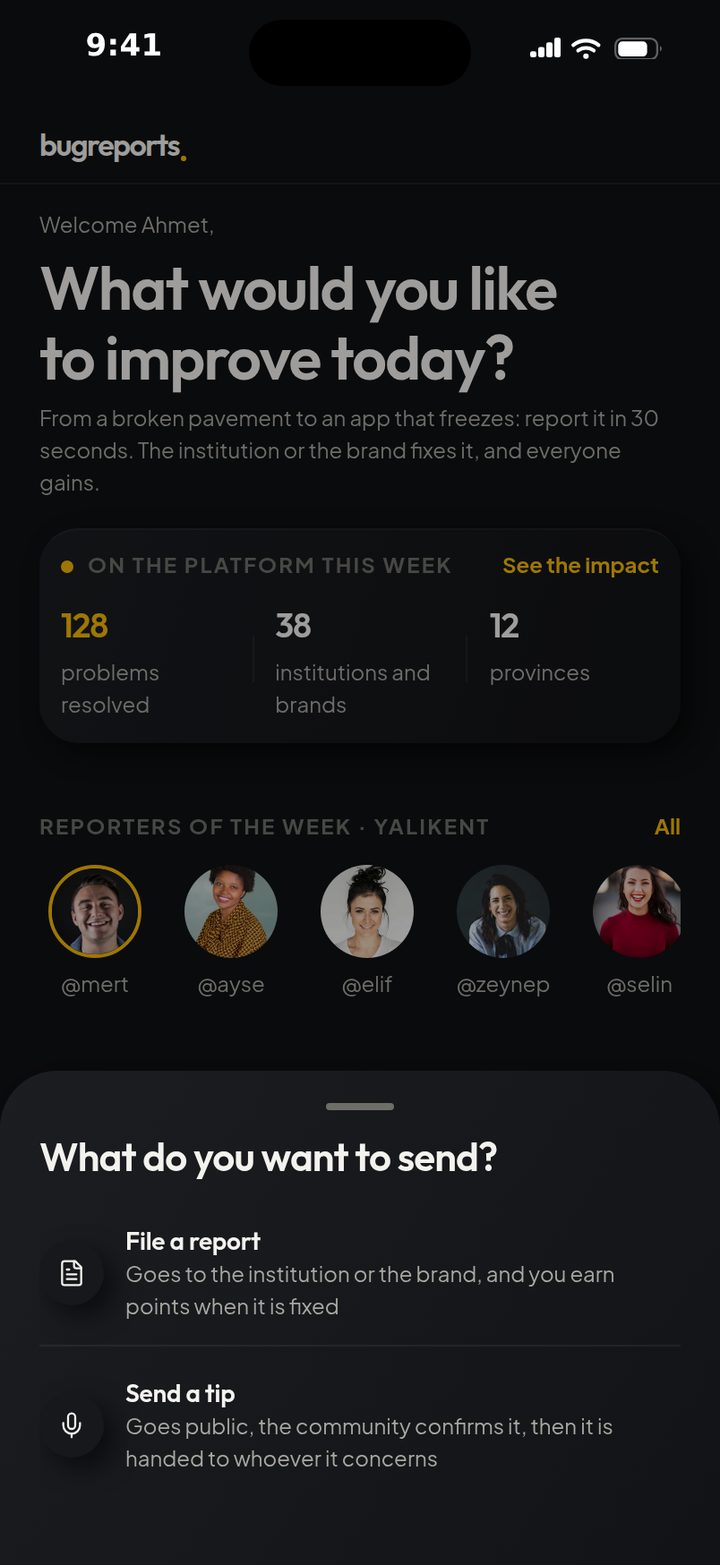
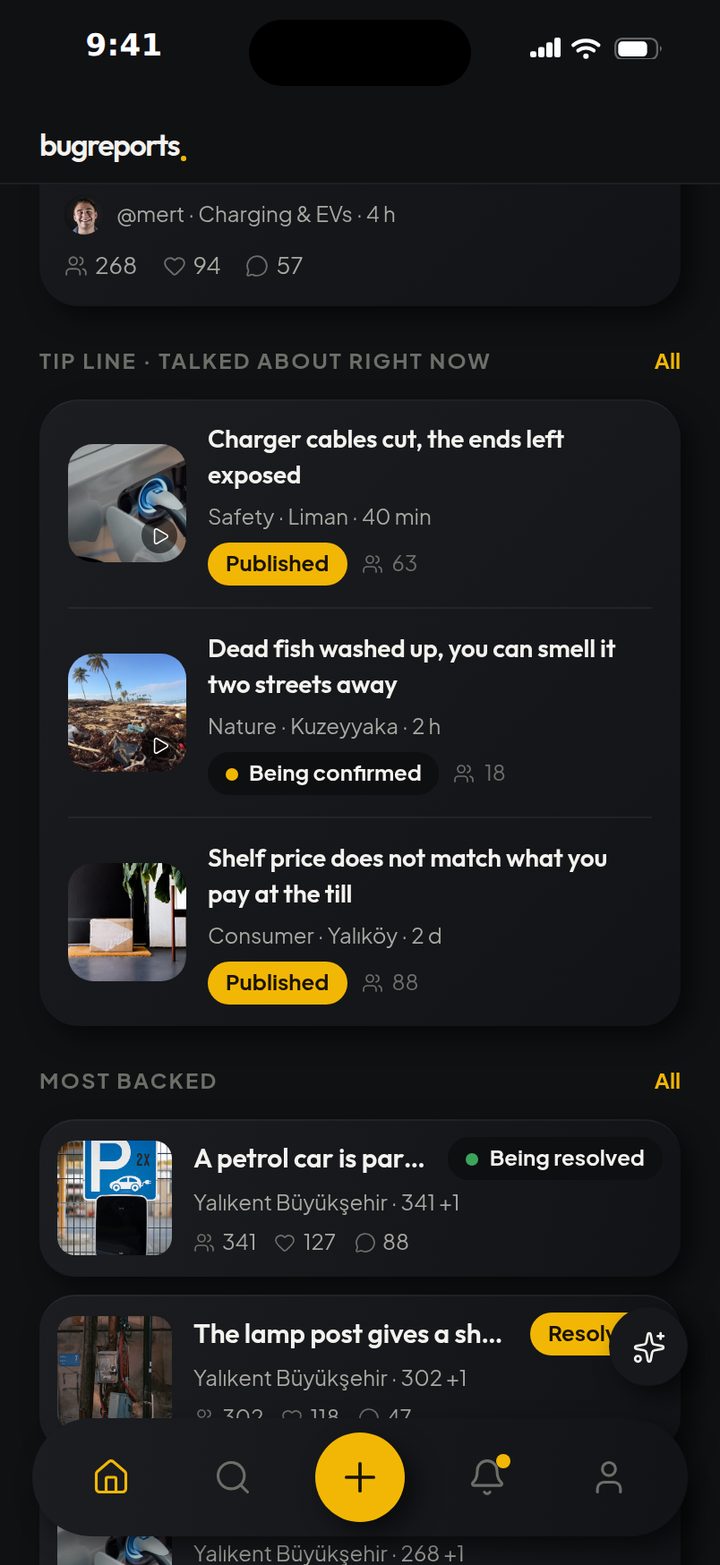
01 · THE START
Open a report for a problem you want fixed. Use the anonymous tip line for something that has to be seen fast.
02 · EVIDENCE
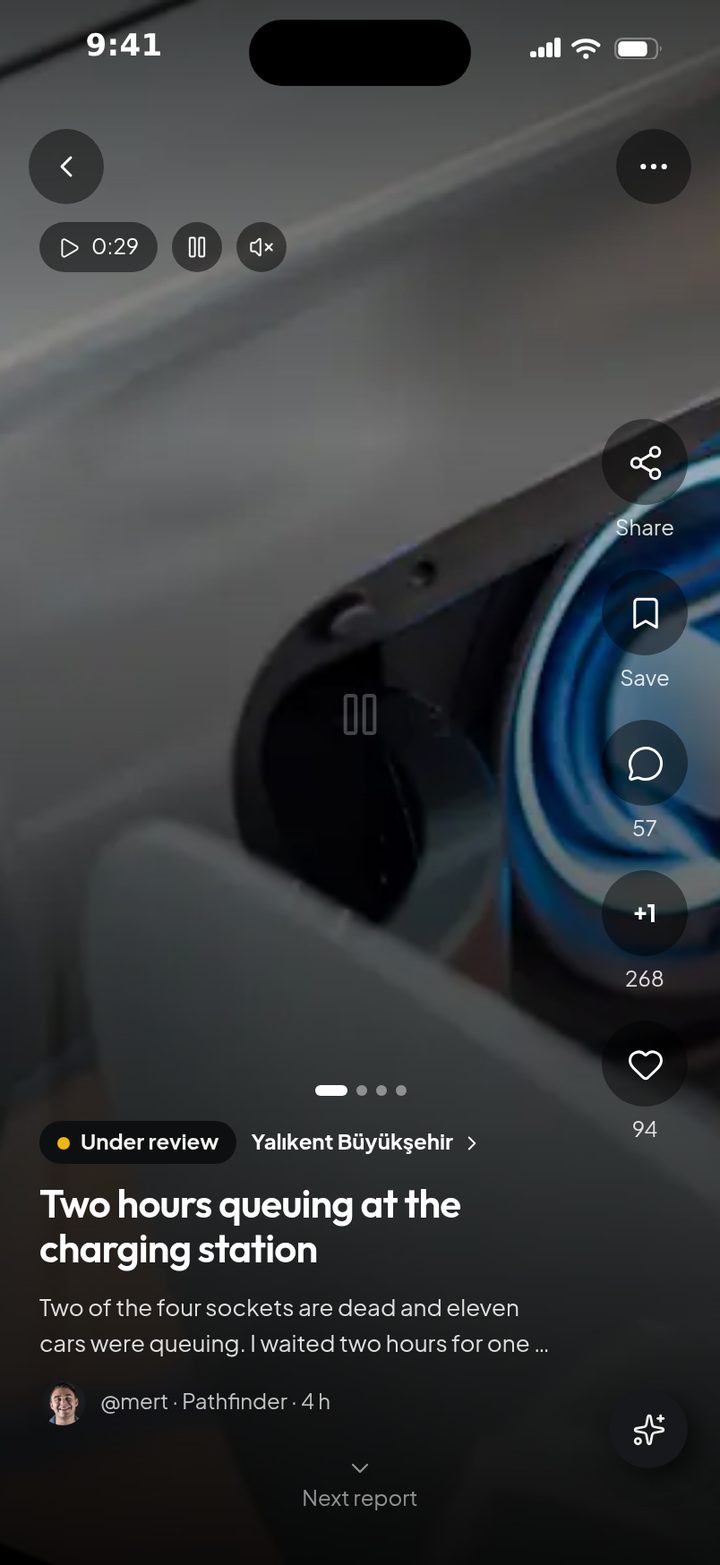
Attach a photo, a short video or a screen recording. Location is bound to the record for physical problems; platform and version for digital ones.
03 · FOLLOW-UP
It reached the right team, it is under review, accepted or being fixed. Every decision and every institution reply stays on the same timeline.
04 · CONFIRMATION
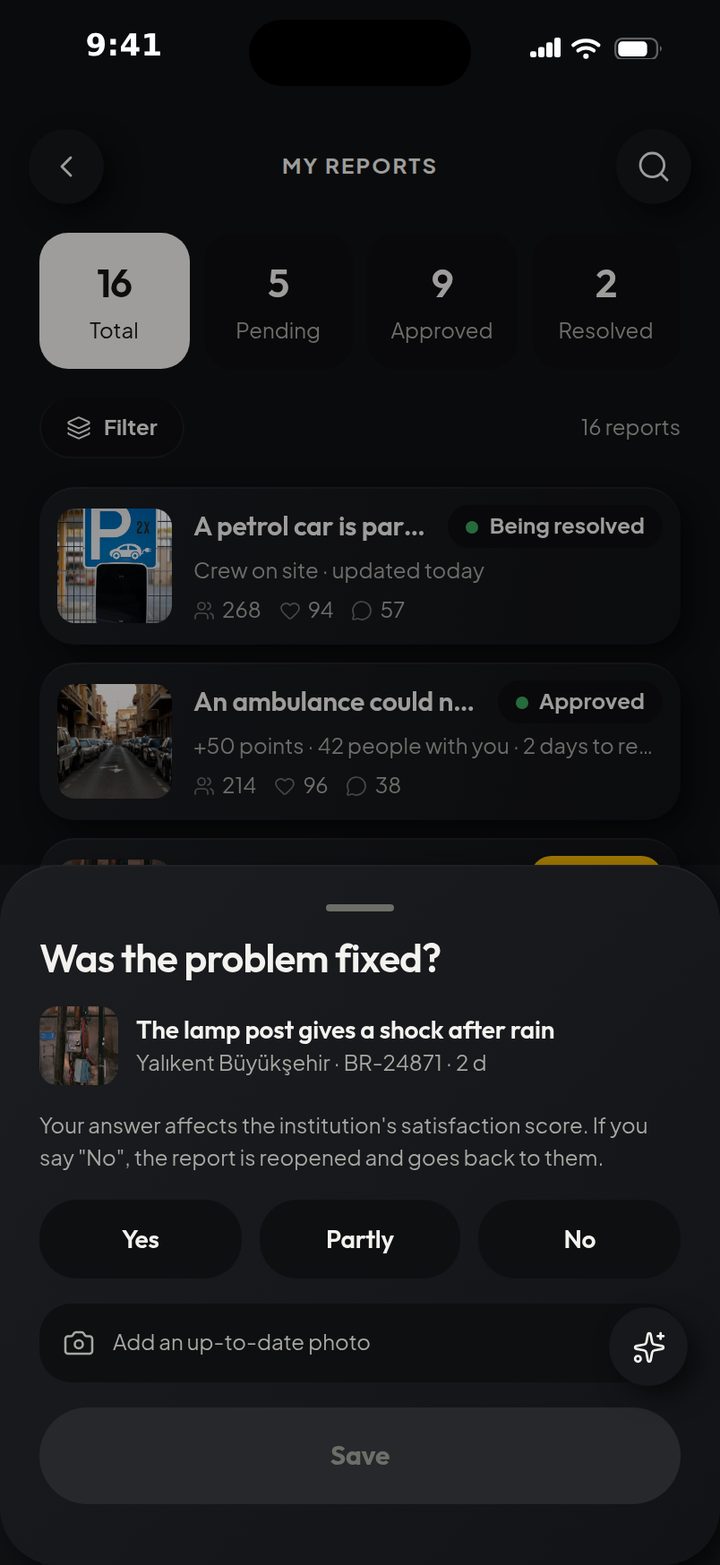
When the institution reports a fix, control comes back to you. If the problem is still there you say “No”; the report reopens and the clock starts again.
05 · COMMUNITY
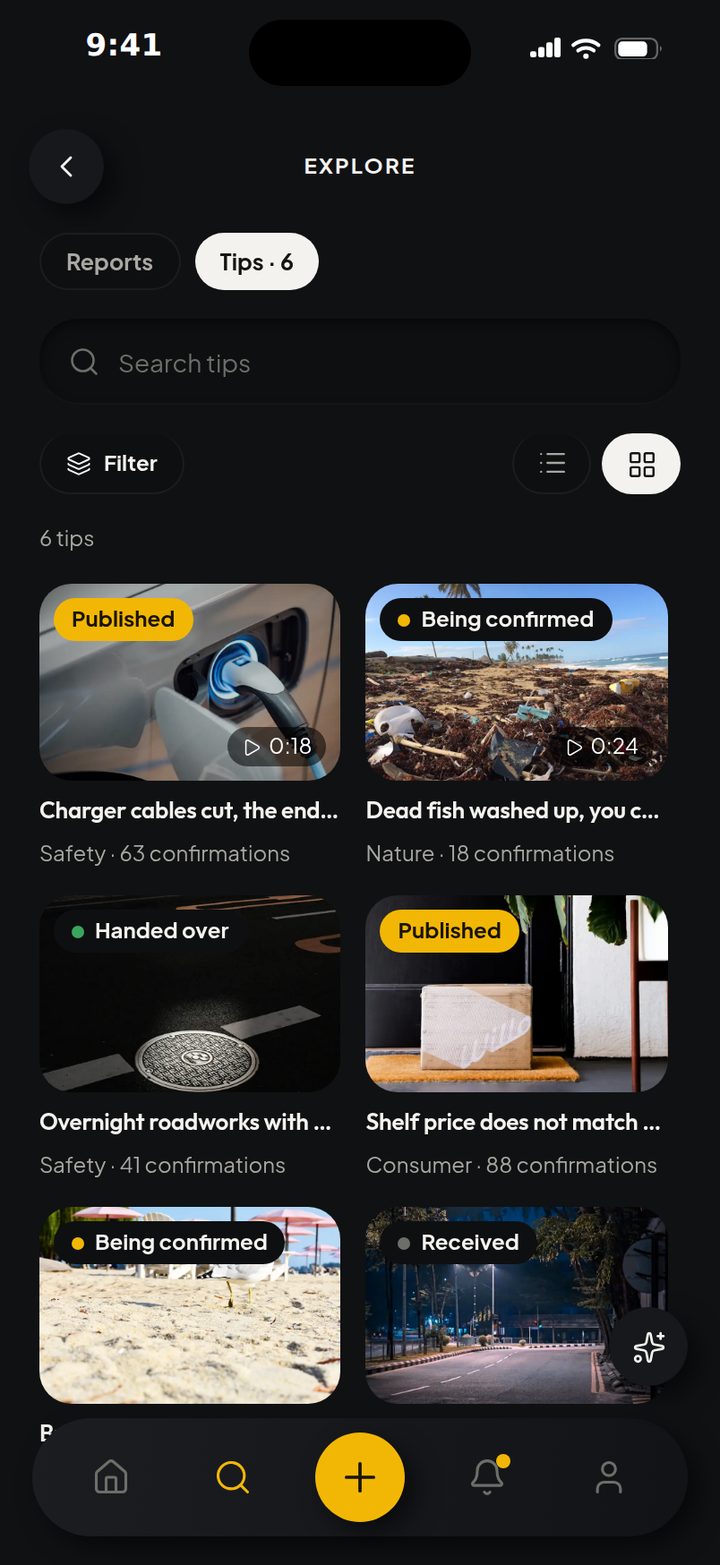
Explore reports; add a “Happened to me too”, comment, save, share or follow. Instead of the same record opened again and again, one shared signal grows.
06 · IMPACT
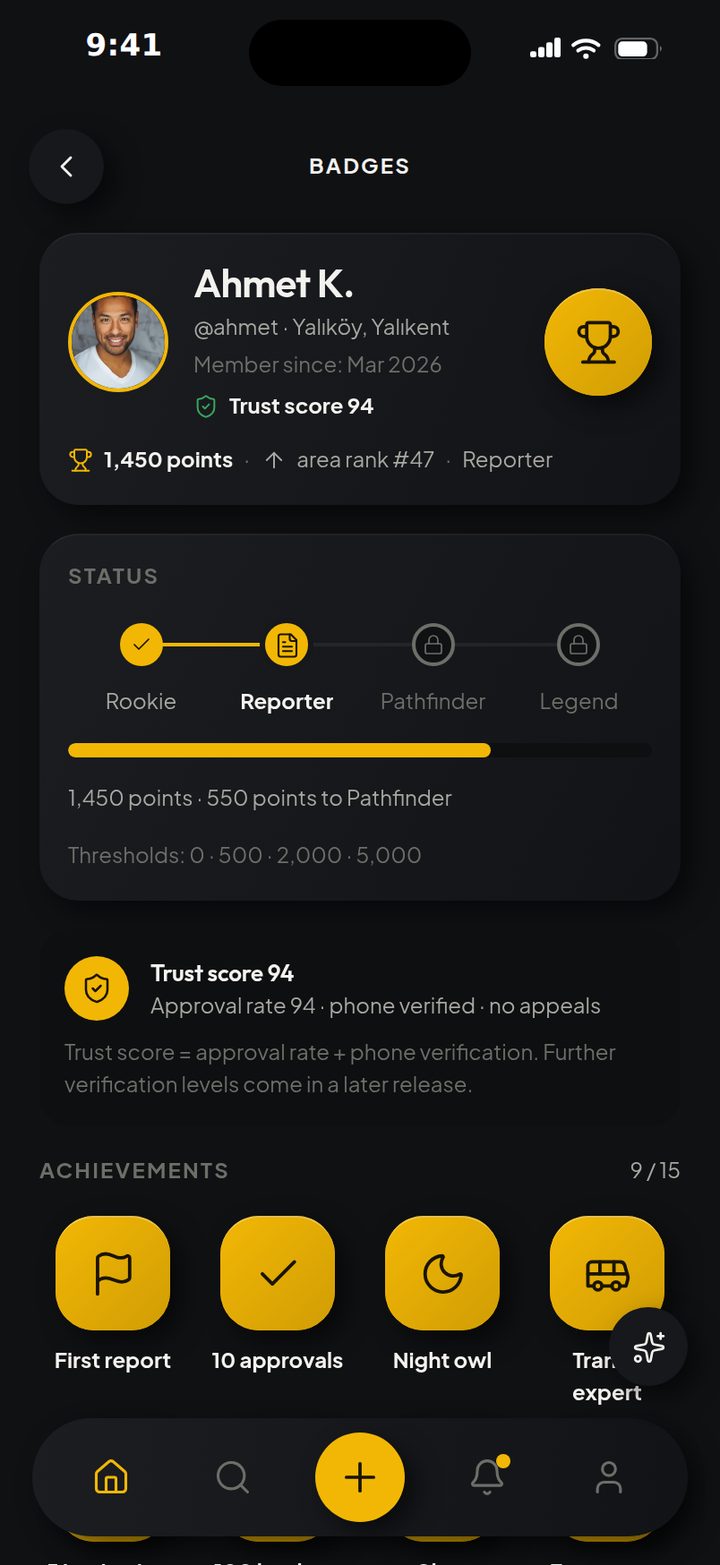
Accepted reports raise your status. Badges show your expertise, the trust score your consistency, the leaderboard your activity in your own area.
07 · REWARD
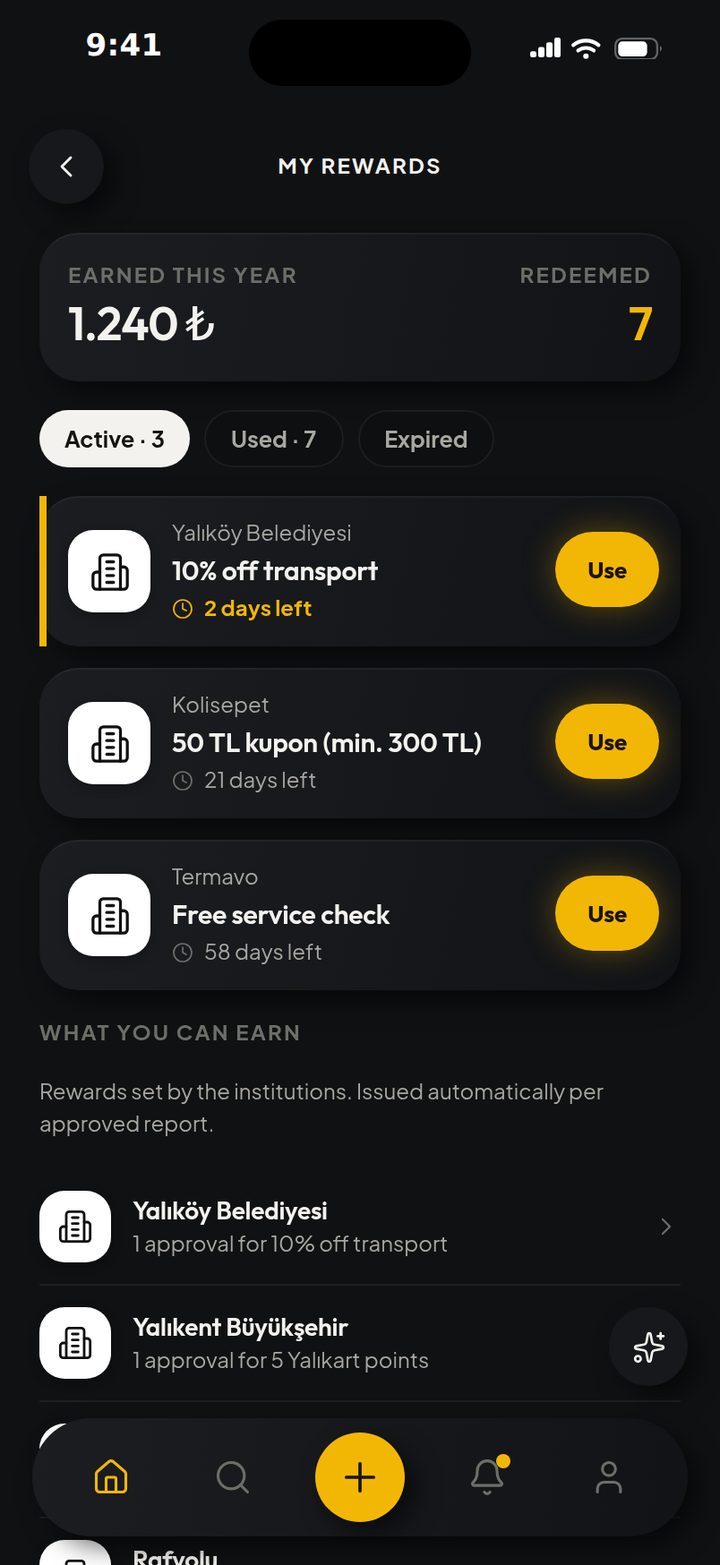
Accepted contributions can turn into points, institution campaigns into coupons. The platform sets the points rule; an institution cannot buy a trust score.
THE LIVE APP
This is not a screenshot. Reach into the phone: scroll the feed, open reports and use bugreports directly.
Reach into the phone and use the app.
ONE LOOP, TWO WORLDS
bugreports handles physical and digital problems with the same record logic; only the context each one needs changes.
Location, a photo or a short video and the responsible institution come together in one report.
Platform, version and a screen recording make the problem reproducible.
FOR INSTITUTIONS AND BRANDS
Prioritise evidenced reports in a single queue: assign them to a team, watch the clock, put decisions on record and have the fix confirmed by the user.
Use the menus, the filters and the report queue directly.
Sort by status, area, category and time.
Assign it to the right team and keep the SLA clock visible.
Add the reply to the record; let the reporter confirm the fix.
THE ARCHITECTURE OF TRUST
Trust comes from separated powers and an open history, not from a single badge.
A report being accepted does not mean the problem is gone.
Institutions can offer coupons; they cannot touch the points ledger or the trust score.
Blocking, hiding, reporting and moderation are part of the social experience.
BECOME A BUGREPORTER
Do not let what you run into, in the city or on screen, disappear. Prove it, back it with the community and be part of the fix.
Back to top